
DeepL for Chrome translates web pages and assists with writing in Gmail, Google Docs, and more.
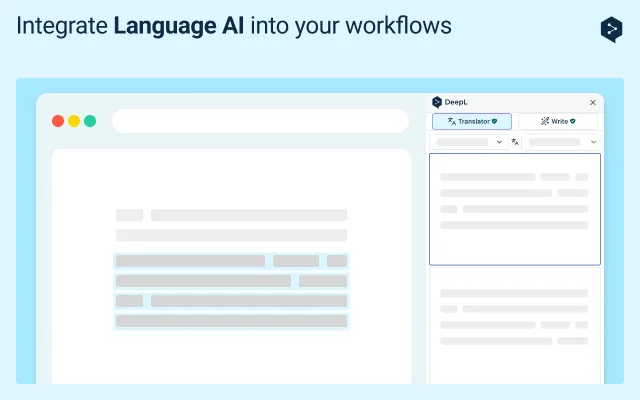
DeepL for Chrome brings the company’s translation and writing tools into the browser. It translates selected text or entire pages, with unlimited page translation and automated page translation reserved for DeepL Pro users. The extension also works inside Gmail, Google Docs, Google Slides, YouTube, WhatsApp, LinkedIn, and X, offering translation plus writing suggestions to adjust clarity and style. It supports 30+ languages for translation and 5+ for writing assistance.
The free version has character limits, and features like glossaries require DeepL Pro or DeepL Write Pro. Free users should avoid confidential or personal data, as content may be used to improve algorithms. Paid plans do not store or use content for service enhancement unless users actively agree.
The free version has character limitations, and features like glossaries and automated page translation require DeepL Pro or DeepL Write Pro. Pro users also get unlimited page translation.
DeepL Pro and DeepL Write Pro do not store or use your content to enhance the service unless you actively agree. The free version may use submitted content to improve algorithms, so avoid processing confidential or personal data.
It works within Gmail, Google Docs, Google Slides, YouTube, WhatsApp, LinkedIn, and X.
Translation is available for 30+ languages, and writing assistance is available for 5+ languages.
Automated page translation is a DeepL Pro feature. Without Pro, you can still translate selected text or entire pages manually (with limits).
Yes, glossaries are available only with DeepL Pro and DeepL Write Pro.
The free version has character limits, though DeepL does not specify exact numbers on this page. For details, refer to DeepL’s official pricing page.